
1)
Find configuration of "wlan0"
#ifconfig wlan0

2)
Note the route table entries
#route -n


3)
Add an OpenvSwitch Bridge
#sudo ovs-vsctl add-br br-int


4)
Add the interface "wlan0" to OpenvSwitch Bridge "br-int" and Zero out your wlan0 interface
#sudo ovs-vsctl add-port br-int wlan0
#sudo ifconfig wlan0 0


5)
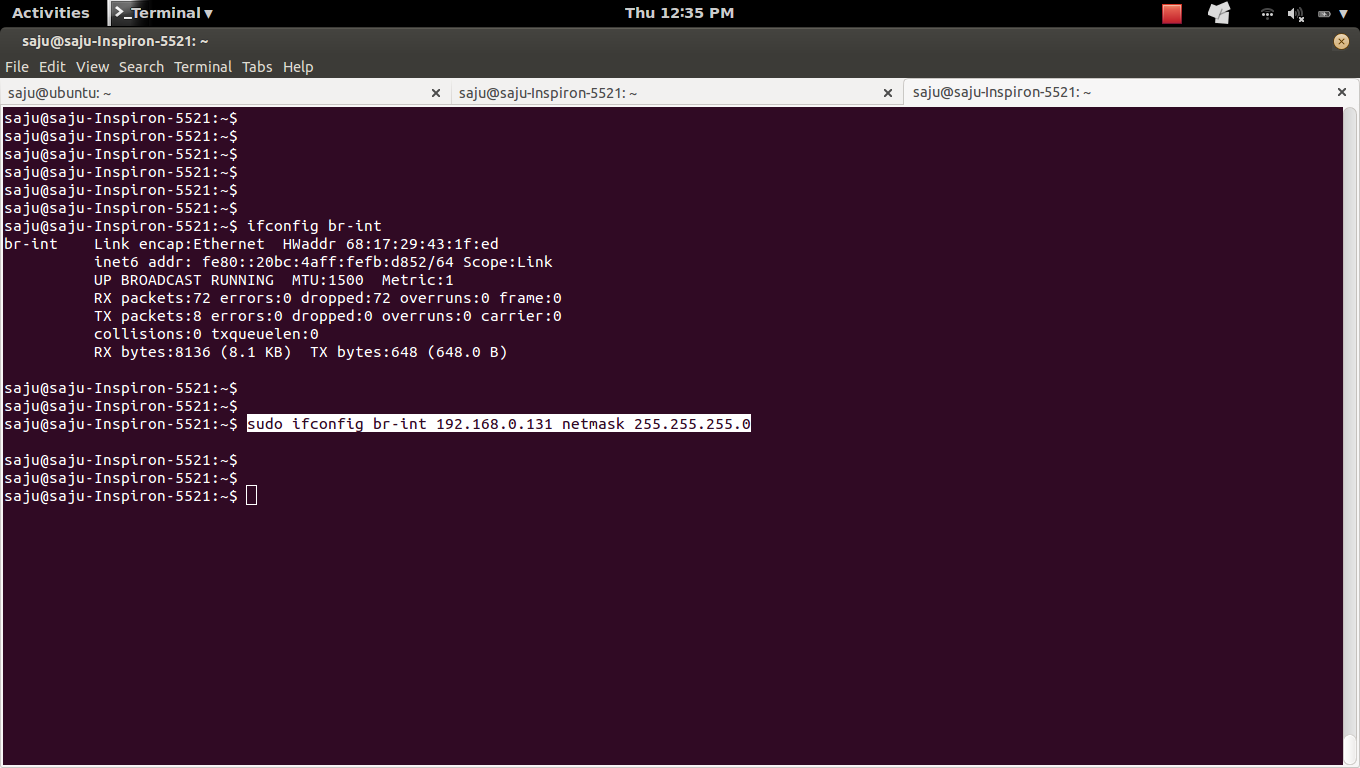
Assign IP to OpenvSwitch Bridge "br-int"
$sudo ifconfig br-int 192.168.0.131 netmask 255.255.255.0

6)
Change your default route
#sudo route add default gw 192.168.0.1 br-int


7)
Check the configuration of "wlan0" and "br-int"
#ifconfig wlan0
#ifconfig br-int
8)
Check the route table entries
#route -n
9)
a)
Before


b)
Commands
sudo ovs-vsctl add-br br-int
sudo ovs-vsctl add-port br-int wlan0
sudo ifconfig wlan0 0
sudo ifconfig br-int 192.168.0.131 netmask 255.255.255.0
sudo route add default gw 192.168.0.1 br-int
c)
After


10)
Delete OpenvSwitch Bridge "br-int"
#sudo ovs-vsctl del-br br-int
#route -n
*Wifi: Disconnect and connect again
Find configuration of "wlan0"
#ifconfig wlan0
2)
Note the route table entries
#route -n
3)
Add an OpenvSwitch Bridge
#sudo ovs-vsctl add-br br-int
4)
Add the interface "wlan0" to OpenvSwitch Bridge "br-int" and Zero out your wlan0 interface
#sudo ovs-vsctl add-port br-int wlan0
#sudo ifconfig wlan0 0
5)
Assign IP to OpenvSwitch Bridge "br-int"
$sudo ifconfig br-int 192.168.0.131 netmask 255.255.255.0
6)
Change your default route
#sudo route add default gw 192.168.0.1 br-int
7)
Check the configuration of "wlan0" and "br-int"
#ifconfig wlan0
#ifconfig br-int
8)
Check the route table entries
#route -n
9)
a)
Before
b)
Commands
sudo ovs-vsctl add-br br-int
sudo ovs-vsctl add-port br-int wlan0
sudo ifconfig wlan0 0
sudo ifconfig br-int 192.168.0.131 netmask 255.255.255.0
sudo route add default gw 192.168.0.1 br-int
c)
After
10)
Delete OpenvSwitch Bridge "br-int"
#sudo ovs-vsctl del-br br-int
#route -n
*Wifi: Disconnect and connect again
